

Custom Tools
Run the floor on live numbers, not yesterday’s report.
The people running operations usually know exactly what is going wrong — they just can’t see it in time. We build the tools that put production, downtime and throughput in front of them as it happens, so decisions are made on the shift, not after it.
Overview
Operations software fails when it is bought to fit a generic process and then bent, painfully, onto a real one. We start the other way round: with the line, the shift pattern and the losses that actually hurt, then build tooling that mirrors them. The result is software your supervisors trust because it speaks their language and shows numbers they recognise.
We are at home here. Our roots are in oil and gas, mining, metals and manufacturing, where a wrong figure has a cost and a screen has to be readable from across a control room. That grounding carries into everything we build for operations teams — honest about edge cases, careful with data, and calm under load.
Sound familiar?
You probably need this if…
If one of these is true, a custom tool usually pays for itself faster than the workarounds you’re living with.
- Performance is tracked on whiteboards, paper or a spreadsheet nobody trusts
- You only find out about a problem shift once it is over
- The ERP and the shop floor quote different numbers
- Nobody can say, quickly, where today’s losses actually came from
What we build
Tools for operations & production.
Live production & OEE dashboards
Throughput, availability and quality by line, shift and cause — one screen everyone trusts, updating as it happens rather than in tomorrow’s report.
Downtime & work-order tracking
Capture stoppages and jobs at source, route them to the right people, and see the top losses by reason so improvement effort lands where it pays.
Shop-floor data capture
Simple, rugged interfaces for operators to log output, scrap and events at the point of work — replacing clipboards and end-of-shift re-keying.
Control-room & wallboard screens
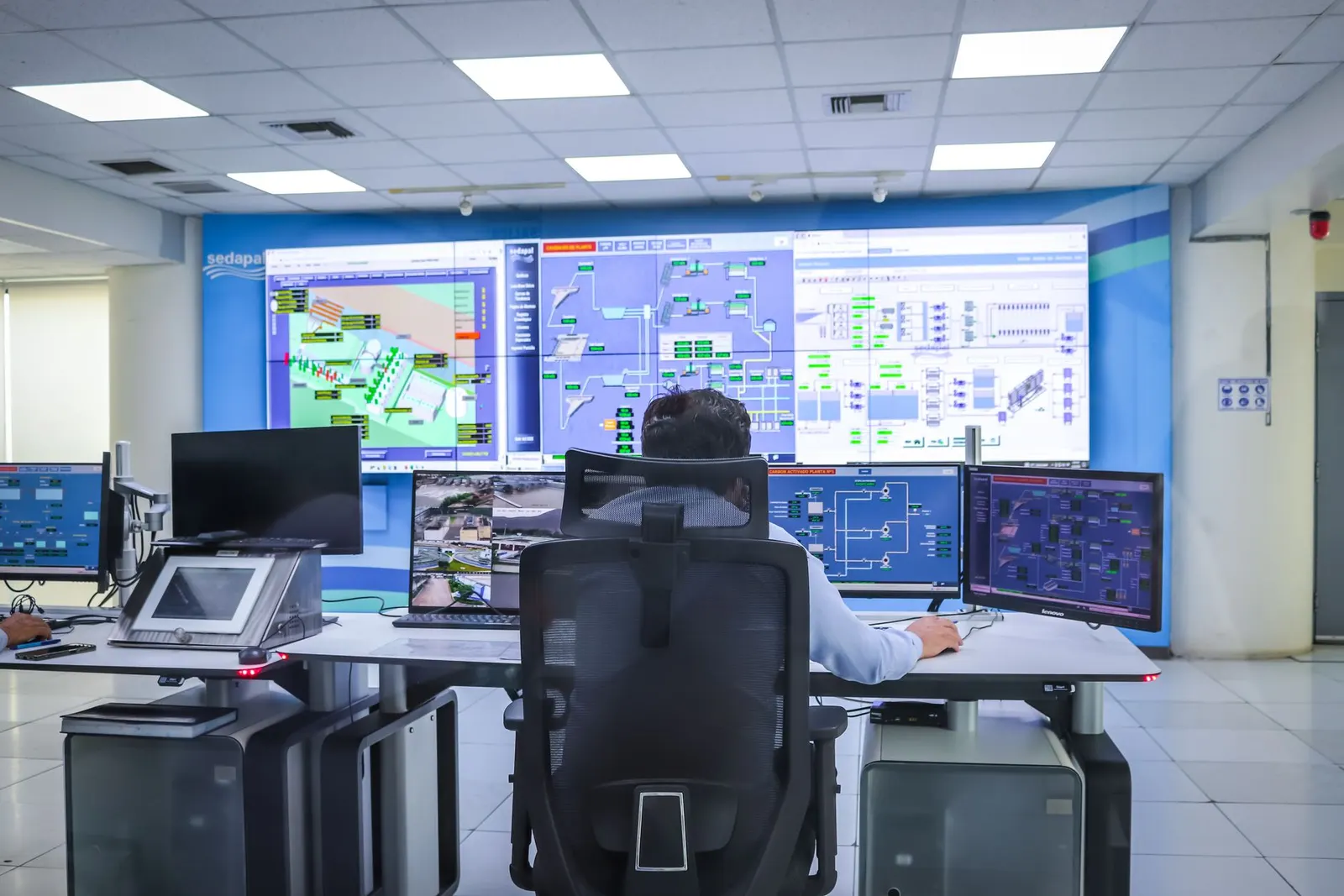
Always-on displays that turn your live data into a shared picture of the plant, readable at a glance from across the room.
Scheduling & dispatch tools
Plan and sequence work against real constraints, then push the plan to the floor and track it against actuals.
How we work
Built with you, owned by you.
Understand
We sit with the people who’ll use the tool, map the real workflow, and agree what success looks like in numbers.
Prove
A thin, working slice early — so you steer with something real in front of you, not a specification.
Build in the open
Short increments, automated tests and regular demos. Progress is visible, not reported.
Ship & own
We release carefully and hand over clean code you own — then run or extend it only if you want us to.
- 30-50%
- Manual logging and re-keying removed
- Live
- View of losses, by cause, during the shift
- 8-14 wks
- Typical time to a usable first release
Representative of typical custom-tool engagements.
More custom tools
Tools for other parts of the business.
FAQ
Questions we hear a lot.
Can this connect to our PLCs, SCADA or ERP?
Yes. We integrate with the control and business systems you already run — PLC/SCADA historians, MES and ERP — so the tool reflects one reconciled set of numbers rather than adding another island of data. Where a live feed isn’t available, we design clean manual capture that’s quick enough that people actually use it.
Will operators actually use it?
That’s the whole design goal. We build with the people on the floor, keep interfaces fast and obvious, and tolerate the realities of the environment — gloves, glare, patchy Wi‑Fi. Adoption is a design outcome, not a training problem we leave you with.
Do we have to replace our existing systems?
No. We usually build around what you have, filling the gaps between systems rather than ripping them out. If something genuinely needs replacing we’ll say so plainly, and stage it so the line keeps running throughout.
Have a tool in mind?
Tell us the workaround that’s costing you — the spreadsheet, the inbox, the app that doesn’t fit. We’ll tell you how we’d replace it, and whether it’s worth doing yet.